
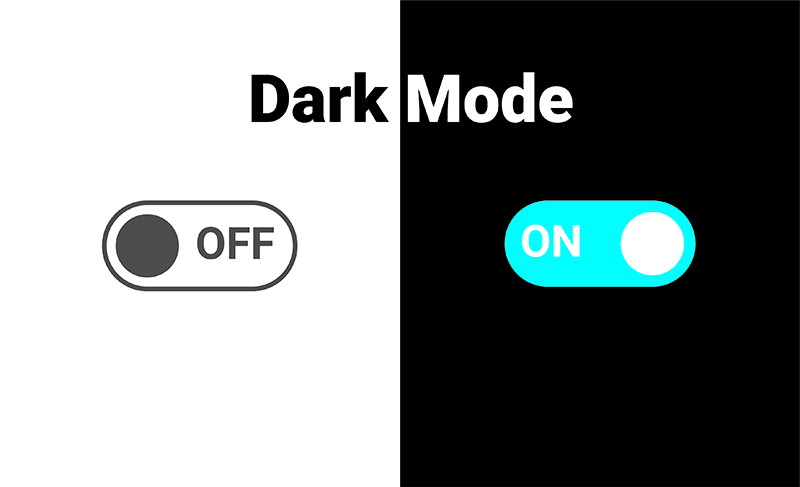
We have completed a big job to refine the dark background for the platform- [Platform: the set of the main domain and all the subdomain of a particular website; also the computer architecture and equipment using a particular operating system] - and from today the dark background is the default one for all the native apps of MYETV for widescreen devices (like tv, computers); we also added a zoom when selecting content- [Contents: every content intended as text, images, audio or video] - from the timeline, to better understand which content is selected. The dark background is good for the eyes especially on large screens where there is a lot of white and therefore the screen lights up too much. You can go back to the white background in „settings – general options – screensaver“ the options are „white“ and „dark“. These new features have been studied and designed for large screens and to please your eyes even at great distances, as is normally done with a television. I hope these changes are welcome.
You can download the native app- [Native Applications: the applications available for any operating system (eg. Microsoft, Android, FireOs) downloadable and installable] - , also for Microsoft, Android, FireTV, WebOS, at https://downloadapp.myetv.tv
