A new way to connect your devices
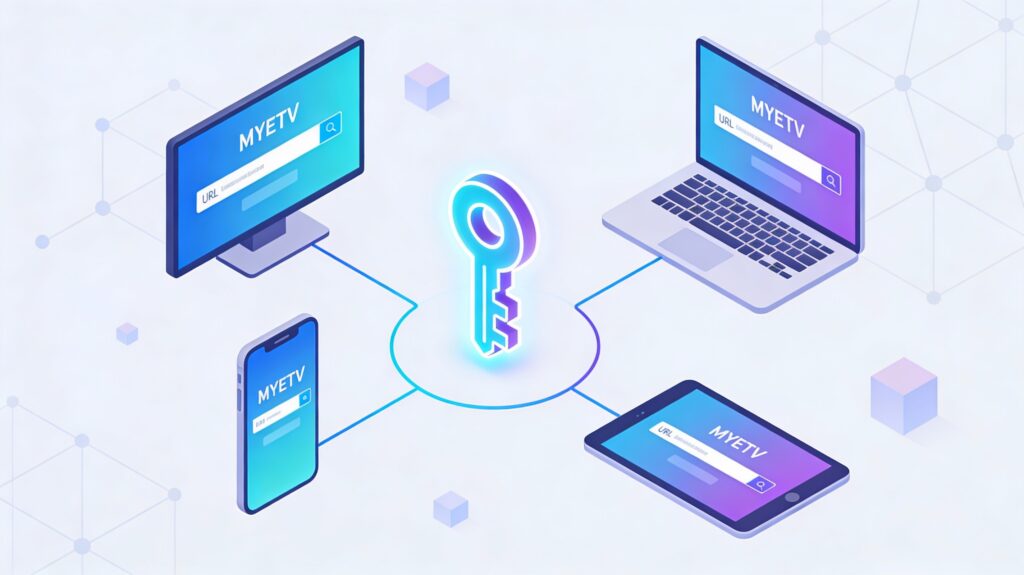
On MYETV a completely new technology has just arrived: a system that allows multiple devices to “recognize” each other and stay in sync, using a small 8‑character key. It sounds technical, but in practice it is something very simple for the user: type your key once, press a button, and your devices start behaving as if they were “linked” to each other.
The goal of this feature is to make MYETV feel more like an ecosystem and less like a set of separate apps or browsers. With this system, a phone, a TV, a tablet and even different browsers on the same computer can all follow the same page and the same content- [Contents: every content intended as text, images, audio or video] - in real time.
Why MYETV needed a sync identity
Before explaining how everything works, it helps to understand the problem this feature solves.
Today, almost everyone uses more than one device: a smartphone on the sofa, a TV in the living room, a laptop on the desk and maybe a tablet in the bedroom. Every time a website or app has to work across all these devices, it faces the same question: “How do I know that all these devices belong to the same person and should be in sync?”
Many platforms solve this only with accounts and logins, or with complex systems that try to “discover” devices on the same Wi‑Fi network- [Network of Contents: is the channel in which owners can post their content and the audience can see the contents posted by the owners] - . That often has limitations:
- Devices need to be on the same local network.
- Sometimes firewalls, routers or company networks block these features.
- It can be confusing for users who just want something that “works”.
MYETV followed a different path: instead of trying to guess which devices belong together, it lets the user decide, in a controlled and privacy‑friendly way, using a small key that can be shared between devices. Behind that tiny key there is a powerful identity system, but the experience is kept simple.
The idea of the peer- [P2P Peer: is a term used to refer to a user who has already been assigned a P2P key inside the peer-to-peer network] - ‑to‑peer key
At the heart of this technology there is what MYETV calls the “peer‑to‑peer key”.
Think of it as a digital fingerprint for your device: a unique combination of information that allows MYETV to recognize that this browser or app is always the same, even over time.
This peer‑to‑peer key is built from three parts:
- A base fingerprint (key1) that stays stable over time for that device.
- Two other keys (key2 and key3) built from various options, such as browser information, IP‑related data or other technical details.
Each of these parts is transformed and protected so that the raw data is not exposed. They are then combined into a single identity that is stored in the MYETV database. The important point for users is that this identity:
- Does not depend on a traditional login- [Login: an act of logging in to a computer, database, website or system] - .
- Survives simple actions like closing the browser.
- Can be re‑created if a cookie is removed, because the base information is stored safely on the server.
This is what makes the system persistent and reliable: the platform- [Platform: the set of the main domain and all the subdomain of a particular website; also the computer architecture and equipment using a particular operating system] - always knows that “this is the same device as before”, without needing complicated configuration from the user.
The encrypted cookie that follows you
To make this identity work in practice, MYETV also uses an encrypted cookie in the browser or app.
This cookie contains the three parts of the peer‑to‑peer key and is created automatically the first time the device connects in a compatible way.
From the user’s perspective, nothing special happens:
- The first time MYETV is opened, the internal system builds the device’s identity.
- An encrypted cookie is created so that the device can prove who it is on the next page load.
- If the cookie is deleted, MYETV can rebuild it based on the information already stored in the database and the stable fingerprint.
This means that the system is resilient. Even if the user clears their cookies, MYETV can still recognize the device and re‑establish the same peer‑to‑peer identity instead of creating a completely new one every time.
From peer‑to‑peer key to sync key
Now comes the interesting part for users: the sync key.
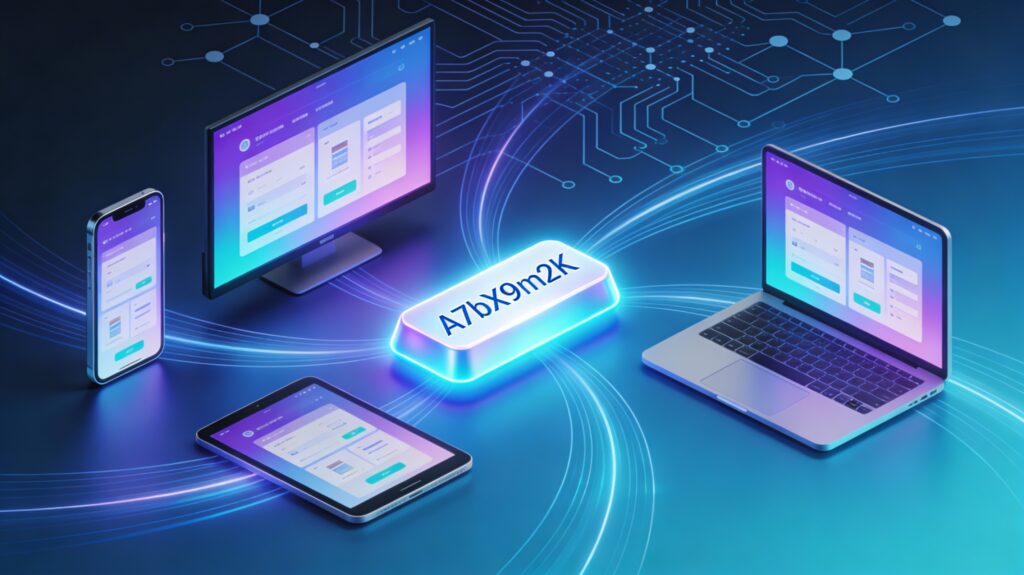
The sync key is a short, 8‑character code derived from the full peer‑to‑peer identity. While the peer‑to‑peer key is complex and long, the sync key is designed to be:
- Easy to read.
- Easy to type.
- Safe to share between your own devices.
To obtain this, MYETV transforms the full peer‑to‑peer key into an 8‑character code using an alphabet of 62 characters (numbers, lowercase and uppercase letters). Even with only 8 characters, this provides around 218 trillion possible combinations. In practice, this keeps collisions extremely rare while making the key user‑friendly.
The sync key is stored together with the peer‑to‑peer key in the database, and it is also recomputed on the client from the encrypted cookie. That means that when the user opens the peer‑to‑peer options to “see their key”, the value shown is not random: it is the same key that the server already knows and has validated.
This creates a “double check”:
- The server knows the sync key associated with that device.
- The device recomputes the sync key and presents it to the user.
- If both match, MYETV knows that this is the correct device and the key can be trusted.
To deploy this new logic in a clean way, all previous keys in the database have been reset, allowing everyone to start with fresh, consistent peer‑to‑peer and sync keys based on the new algorithm.
Introducing URL synchronization across devices
Once the identity and the sync key are in place, MYETV can do something new: synchronize the current URL across multiple devices. Instead of thinking about syncing “profiles” or “accounts”, MYETV thinks in terms of pages: “Which devices should all be looking at this same page together?”
This is where the new multi‑device sync system comes in. It allows a user to decide which devices should be connected, and then, with one click, tells all of them to follow the same page or content.
From a high level, the system keeps track of three main pieces of information:
- The sync key that identifies the group of devices.
- The URL that should be synchronized.
- A timestamp that tells when that URL was last updated for that sync group.
All of this is stored in a special JSON field in the database. When a device requests a sync, the system:
- Checks that the sync key is valid.
- Checks that the last update is recent (for example, not older than a certain time).
- Checks that there is no redirect loop for that key.
- Sends the correct URL back to the devices that share the same sync key.
The technical part is complex, but the experience is designed to be as simple as possible for the user.
How to sync your devices step by step
The best way to understand this feature is to try it once. Here is a simple walkthrough that any user can follow.
- Open MYETV on your main device (the “host”)
This can be a computer, a smart TV app, or any device that you want to control the others from. - Go to the peer‑to‑peer options
In the interface there is a section dedicated to peer‑to‑peer settings. There you will find a button to view your device’s sync key. - Look at your 8‑character sync key
The system will show an 8‑character code. This is the key that represents your device and that you will share with other devices you own. - Open MYETV on another device you want to sync
For example, open the app on your smartphone or a browser on another computer. - Enter the host device key
On this second device, there is a field labeled something like “enter the host device key to synchronize”. Type the 8‑character key you just saw on your main device and press “save”. - Repeat for other devices if needed
Any device where you enter that same key will be linked to the same sync group. - Trigger the synchronization from the host
When you are browsing MYETV on the host device, you can open the menu by clicking on the MYETV logo. There you will find a button that says something like “synchronize all devices connected on this page”. When you click it, every device that shares the same sync key and is connected to MYETV will follow that page.
From the user’s point of view, that is all. No scanning QR codes, no searching for devices on the network, no complex pairing procedure. Just a short key and one button.
Example: use your phone as a remote control
One of the most fun uses of this system is to turn your phone into a kind of remote control for your TV app.
Imagine this scenario:
- The MYETV app is open on a smart TV or a streaming device.
- The same MYETV account- [Account: an Account contains the personal information that is assigned to those who register and access with email and password] - or even just the same sync key is used on your smartphone.
- The TV displays content, while the phone is used for navigation.
With the new sync system:
- The TV device shows its 8‑character sync key in the peer‑to‑peer options.
- The user types that key into the MYETV app on their smartphone.
- Now, when the user browses MYETV on the phone and presses “synchronize all devices on this page”, the TV app instantly jumps to the same page or content.
This feels very natural in practice: the phone becomes an advanced remote control with a keyboard, touch screen, and all the comfort of a modern device, while the TV just focuses on displaying the content.
Beyond TV: browsers, locations and more
Because the system is based on keys and URLs, not on local networks, it works in many different situations:
- Synchronize a laptop and a tablet that are on different Wi‑Fi networks.
- Keep a desktop browser and a mobile browser aligned, even if they use different engines.
- Share the same experience between devices in different rooms or even different cities, as long as they are online.
This makes the feature flexible:
- Content creators can prepare a page on one device and have it opened on another screen without manual searches.
- Users who enjoy watching content on TV but browsing on mobile can combine the strengths of both.
- People who travel can keep a mobile device and a fixed device at home linked through the same key, if they wish.
All of this is made possible by the peer‑to‑peer identity logic and the sync key system that MYETV has implemented under the hood.
Safety, loops and smart checks
Whenever multiple devices start talking to each other, there is a risk of “loops” or confusing behaviors. For example, device A could redirect device B, and device B could in turn redirect device A, creating an infinite loop.
To avoid this, MYETV tracks which sync keys have already been involved in a particular redirection and stores this information in the JSON field associated with the key. Each time a sync is requested, the system checks:
- Whether the sync key has already been used for that specific redirect chain.
- Whether the request is recent enough to be considered valid.
- Whether the URL is safe and consistent with the expected behavior.
If a potential loop is detected, the operation is stopped and the devices are not redirected again. This keeps the experience stable and prevents strange behaviors caused by repeated automatic redirects.
For users, this means that the system “just works” and avoids dangerous situations without requiring any manual configuration.
For security purposes can be syncronized only MYETV urls (inside the myetv.tv domain platform)
Why this is unique to MYETV
Many platforms experiment with multi‑device synchronization, but MYETV’s approach is different in a few important ways:
- The identity is based on a peer‑to‑peer key that is independent of accounts and logins.
- The sync key is short, easy to share and yet extremely rich in possible combinations.
- The synchronization focuses on URLs and pages, which makes it flexible and content‑oriented.
- Devices do not need to be on the same local network; they just need the same key and an internet connection.
This combination makes the technology feel both powerful and approachable. It is not a copy of an existing pattern but a custom solution designed around how people actually use MYETV.
Try it yourself
The best way to understand this feature is to try it on your own devices. A simple suggestion:
- Open MYETV on your TV or main computer.
- Open MYETV on your smartphone.
- Find your 8‑character sync key on the main device and type it into the phone.
- Browse on the phone, then press the “synchronize all devices on this page” button.
In just a few seconds you will see the other device follow along, as if both screens were part of the same experience. Once that happens, the idea behind this new technology becomes very clear: MYETV is not just a website or an app, it is a coordinated environment where all your devices can work together.
This is only the beginning. The peer‑to‑peer key and the sync system open the door to future experiments and features, from smarter remote control experiences to new ways of watching content together. For now, the invitation is simple: generate your sync key, link your devices, and see how far this new technology can go in your everyday use of MYETV.