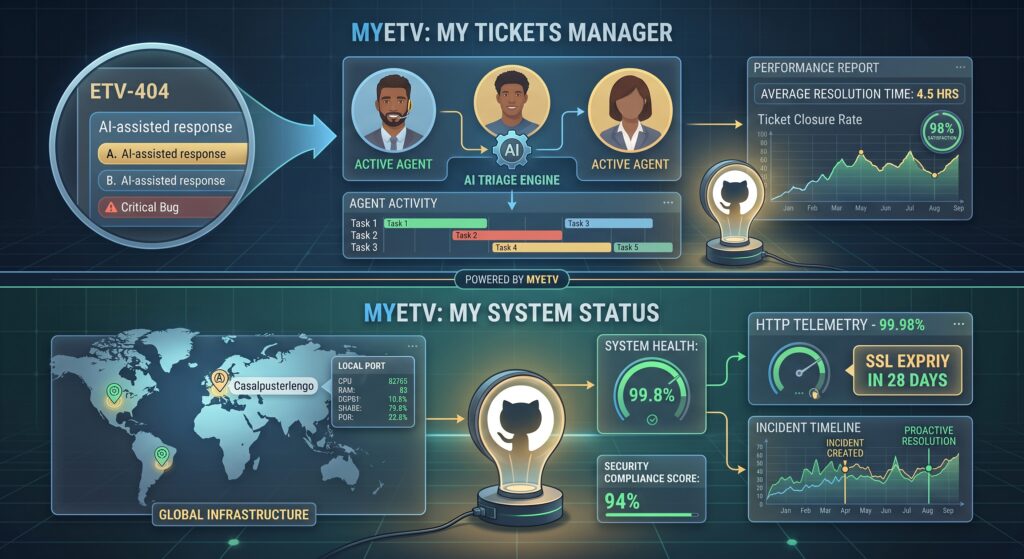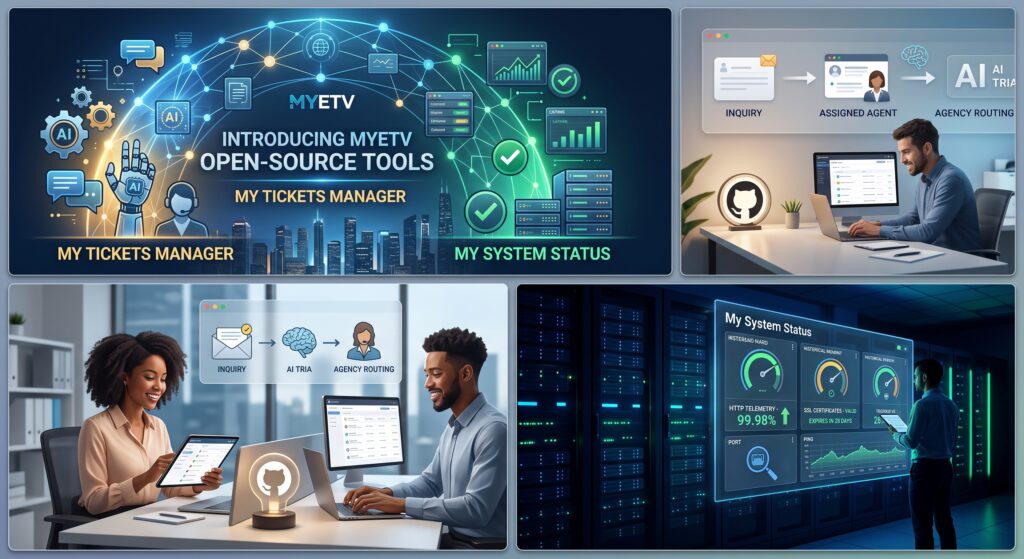
AMYETV, trasparenza, efficienza e sviluppo guidato dalla comunità costituiscono il cuore della nostra strategia tecnica. Oggi siamo entusiasti di annunciare il rilascio ufficiale di due importanti progetti open-source costruiti interamente in casa:My Tickets ManagereMy System Status.
Entrambe le piattaforme sono pubblicate sotto licenze open-source e sono progettate per fornire a sviluppatori, amministratori di sistema e organizzazioni la possibilità di mantenere il pieno controllo sui loro flussi di lavoro di supporto clienti e sulle telemetrie dell'infrastruttura—senza fare affidamento su costose alternative SaaS proprietarie di terze parti.
Di seguito è riportato un approfondito e completo walkthrough architetturale di entrambe le applicazioni, che dettaglia la loro filosofia centrale, i motori dati sottostanti, gli strati di sicurezza e i paradigmi di deployment.
1. My Tickets Manager: motore helpdesk scalabile basato su IA
HelpDesk MYETV: https://support.myetv.tv
Repository Open Source: https://github.com/MYETV/My-Tickets-Manager
Architettura Operativa e Flusso di Ciclo di Vita
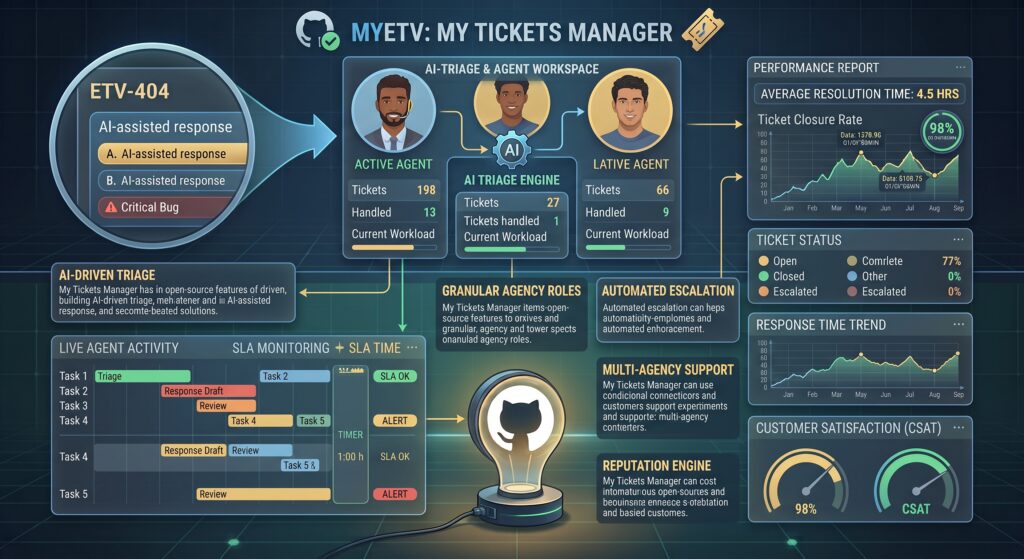
Nelle moderne infrastrutture web, la gestione delle richieste dei clienti e del supporto tecnico richiede un flusso deterministico che bilanci l'elaborazione automatizzata con l'intervento umano.My Tickets Managerstruttura il ciclo di vita di una richiesta di supporto in fasi operative chiare:
- Livello di Ingresso del Cliente:Gli utenti finali inviano richieste tramite un portale pubblico o autenticato snellito. Gli input subiscono validazione, sanificazione e trasformazione dei dati strutturati.
- Pipeline di Analisi e Automazione AI:Quando le richieste raggiungono la coda di ingestione, modelli di inferenza AI locali o remoti integrati analizzano il contesto per eseguire triage del linguaggio naturale, valutazione del sentimento, determinazione della categoria e assegnazione di flag di urgenza.
Panoramica e Filosofia Centrale
Gestire le richieste degli utenti nelle moderne applicazioni web richiede velocità, granularità e instradamento intelligente.Il mio gestore ticketè stato creato per colmare il divario tra semplici moduli di contatto e piattaforme di ticketing aziendali eccessivamente complesse. Offre un ambiente operativo in grado di gestire flussi di ticketing multi-dipartimento e multi-agenzia mantenendo un consumo minimo delle risorse del server.
Funzionalità chiave e capacità architetturali
Gerarchia Multi-Agenzia e Agente
Le grandi organizzazioni e le moderne piattaforme web operano spesso attraverso più marchi, divisioni o team di supporto specializzati distinti.Il mio gestore ticketgestisce questa complessità senza interruzioni attraverso un'architettura multi-agenzia isolata:
- Isolamento delle agenzie:Organizza gli agenti in agenzie o dipartimenti logici con pool di ticket indipendenti, trigger di notifica personalizzati e viste coda isolate.
Integrazione Nativa con Intelligenza Artificiale
L'automazione è centrale per scalare le operazioni di supporto clienti senza aumentare esponenzialmente i costi generali.Il mio Gestore Ticketincorpora capacità assistite dall'IA direttamente nel flusso di risoluzione dei ticket:
- Smistamento e Categorizzazione Automatizzati:Le richieste in arrivo vengono analizzate da modelli linguistici per estrarre automaticamente l'intento, assegnare tag, valutare i livelli di priorità e instradare i ticket all'agenzia appropriata.
Flussi di lavoro personalizzati e gestione SLA
Applicare standard di risposta è fondamentale per mantenere la qualità del servizio. L'applicazione fornisce una gestione robusta degli Accordi sul Livello di Servizio (SLA) e controlli di flusso di lavoro personalizzati:
- Accordi sul Livello di Servizio (SLA):Configurare obiettivi precisi per il tempo di prima risposta e il tempo di risoluzione, completi di percorsi di escalation automatizzati quando gli SLA rischiano di essere violati.
2. Stato del mio sistema: monitoraggio dell'uptime e delle prestazioni full-stack
stato del sistema MYETV: https://status.myetv.tv
Repository: https://github.com/MYETV/My-System-Status
Architettura di telemetria e livello di ispezione
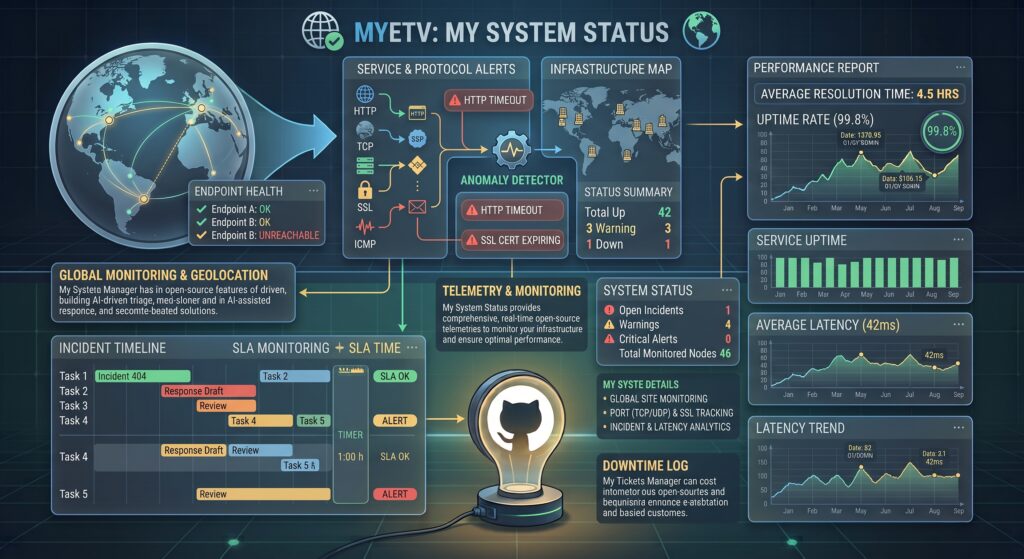
L'affidabilità del sistema richiede un'ispezione continua su più livelli attraverso i protocolli di trasporto, rete e applicazione.Stato del mio sistemafa funzionare un modello di monitoraggio efficiente progettato per interrogare e registrare continuamente le metriche delle risorse:
Panoramica e filosofia centrale
Sapere quando un servizio degrada o fallisce prima che lo facciano gli utenti è fondamentale.Stato del mio sistemaè un motore di telemetria ad alte prestazioni progettato per auditare continuamente l'infrastruttura di rete, gli endpoint web, i livelli di trasporto e i certificati di sicurezza, fornendo aggiornamenti dello stato in tempo reale tramite dashboard personalizzabili.
Moduli tecnici e capacità
Controlli completi dei protocolli
Le moderne applicazioni web si basano su una complessa rete di servizi interconnessi.Stato del mio sistemaoffre una ampia copertura di monitoraggio per rilevare guasti a ogni livello:
- Telemetria HTTP / HTTPS:Monitora la disponibilità degli endpoint web, traccia i codici di stato HTTP (2xx, 3xx, 4xx, 5xx), misura la latenza esatta della risposta e convalida le sottostringhe payload attese.
Dashboard e Gestione Incidenti
Una comunicazione chiara durante un'interruzione costruisce fiducia con gli utenti e snellisce la risposta tecnica:
- Dashboard Pubbliche e Interne:Implementare pagine di stato visibili agli utenti per tenere informati i clienti, o mantenere dashboard interne per i team DevOps e operativi.
- Gestione Manutenzioni:Gestire qualsiasi attività di manutenzione manualmente, e se lo desideri, puoi anche utilizzare l'intelligenza artificiale per aiutare a redigere un testo da presentare al pubblico.
3. Matrice di confronto delle funzionalità
Sebbene entrambe le applicazioni lavorino insieme per formare una base operativa robusta, affrontano esigenze operative distinte. La matrice seguente riassume il loro focus tecnico e le loro capacità:
4. Avvio e installazione
Entrambe le applicazioni sono progettate pensando alla facilità di distribuzione, alla personalizzazione e all'efficiente utilizzo delle risorse.
Configurazione di My Tickets Manager
Per distribuire la piattaforma di gestione dei ticket sul vostro ambiente server, clonate il repository del progetto ed eseguite l'installazione iniziale:
# Clone the open-source repository
git clone https://github.com/MYETV/My-Tickets-Manager.git

# Navigate into the project directory
cd My-Tickets-Manager

# Follow the standard installation guide in README.md to configure your database and web server
Impostazione dello stato del mio sistema
Per distribuire il motore di monitoraggio telemetrico e uptime, clona il repository del progetto e imposta i tuoi intervalli di monitoraggio:
# Clone the open-source repository
git clone https://github.com/MYETV/My-System-Status.git

# Navigate into the project directory
cd My-System-Status

# Follow the setup instructions in README.md to configure telemetry schedules and status pages
5. Unirsi all'ecosistema open-source
RilasciandoIl mio gestore bigliettieLo stato del mio sistemarilasciando sotto licenze open-source, MYETV rafforza il suo impegno nella creazione di software- [Program/Software: the instructions that control what a computer does; computer programs] - trasparente, affidabile e accessibile per sviluppatori e organizzazioni di tutto il mondo. Accogliamo attivamente la partecipazione della comunità!
- Segnalazione di problemi:Hai riscontrato un bug o hai una richiesta di funzionalità? Invia un problema dettagliato direttamente su GitHub.
Esplora oggi i repository di codice ufficiali:
Non dimenticare di lasciare qualche stella all'autore del repository:https://github.com/OskarCosimo